Designing for Motor Accessibility in Games
Control remapping is the baseline. We explore what truly flexible motor design looks like in practice.
Read article →Our design principles, implementation notes from Pausa and Camins, and a curated list of external resources for developers working on accessible games. We are not a consultancy — this is how we work, shared openly.

These four principles govern every design decision — from the first control layout to the final color pass to the audio mix. They are not aspirational. They are gates: a game does not ship if it fails any of them.
Controls should work with every body, not require a particular one. We build full remapping into every game from the first prototype. That means: every action remappable, adjustable speed, alternative input methods tested, no precision-dependent mechanics that punish tremor or limited range of motion.
Cognitive load is not a bug — but it can exclude players. We design for generous pacing, clear visual hierarchy, explicit feedback, and no hidden systems. Games have tutorials that show, not punish. Information is surfaced when needed, not all at once. Time limits are either absent or adjustable.
We never rely on a single sensory channel for critical information. Important cues are always at least dual — visual + audio, or visual + haptic. Colorblind palettes are tested with simulation tools before release. Text is always scalable. Audio descriptions are available for visual-first information.
Some players have experienced trauma. Games that punish failure repeatedly, demand urgent responses, or use distressing audio signals can cause real harm. Our games have pause-anywhere, save-anywhere, no-fail modes, and careful content design. Play is meant to restore, not deplete.
Concrete examples from Pausa and Camins — not design theory, but actual implementation choices.
The breathing visualizer responds to player input rather than running on a fixed timer. Players with breathing difficulties can follow their own rhythm instead of being paced by the game.
Protanopia, Deuteranopia, and Tritanopia presets are accessible from the main menu — not buried in an accessibility submenu. Tested with the Coblis simulator during development.
The game prompts players to review controls before the first level — not after they discover a default binding doesn't work for them. All 12 actions are individually remappable, including to gamepad, mouse buttons, or keyboard.
The Camins high contrast mode replaces the warm Mediterranean palette with a simplified cream/navy/terracotta scheme. It was tested with low-vision consultants before launch. The simplified palette maintains the game's character without relying on subtle earth-tone differentiation.
These are the resources we return to in our own development process. We are not affiliated with any of them — we just find them useful and think other developers will too. AbleGamers and SpecialEffect are independent charities doing important work; WCAG 2.2 is the W3C standard we apply to our menus and web presence.
Control remapping is the baseline. We explore what truly flexible motor design looks like in practice.
Read article →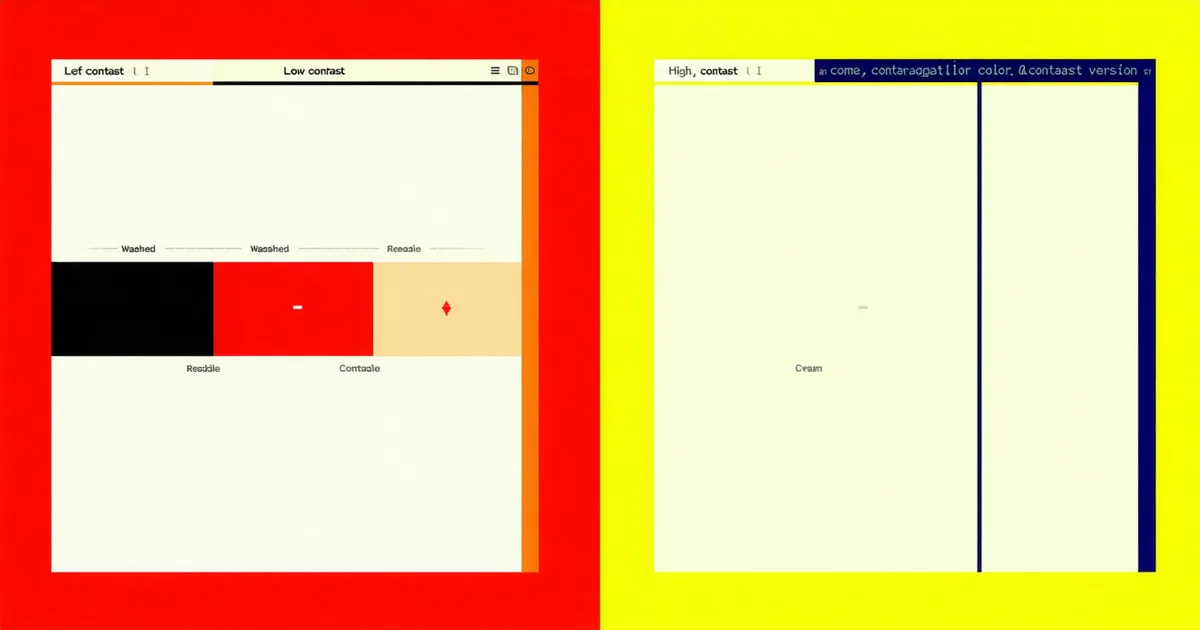
Why 4.5:1 is the floor, not the goal — and how game UI adds complexity that web contrast ratios don't capture.
Read article →
Developing the high contrast mode for Camins taught us that low vision design is as much about layout as it is about color.
Read article →We share notes with other developers. If you're working through a problem we've dealt with — control remapping architecture, colorblind palette testing, screen reader integration — write to us.
Get In Touch